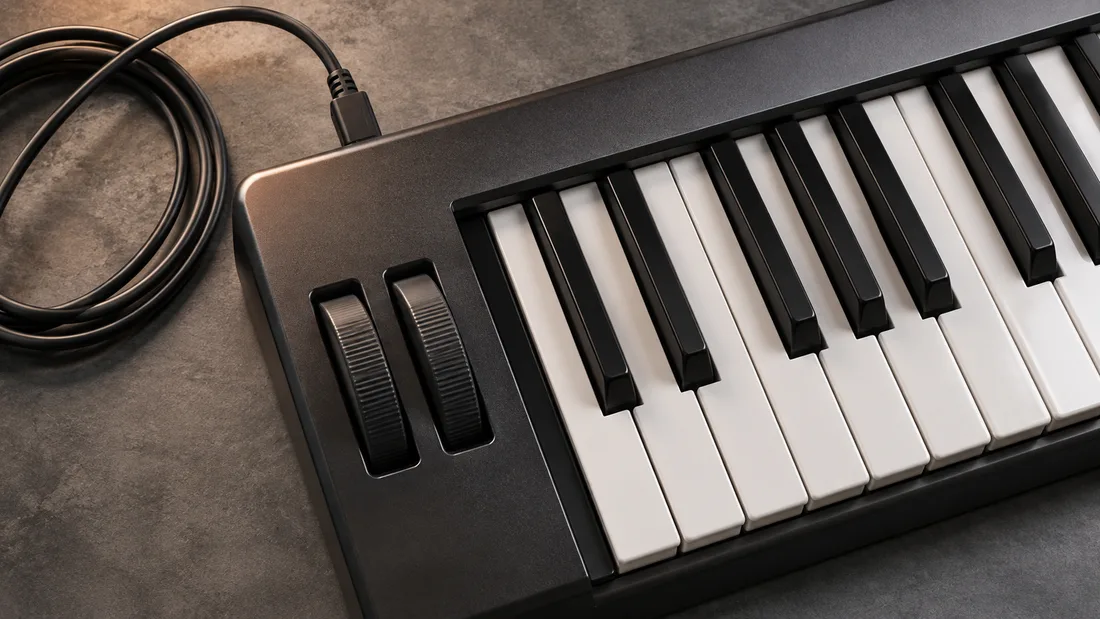
One of the useful properties of a keyboard controller in a modern studio is that it need not produce any audible sound of its own. It can communicate which key a player pressed and how that key was played, while another piece of equipment or software determines the audio that follows. A production session can retain that performance information independently of the resulting sound. This separation makes it possible to revise an arrangement, choose another instrument or control parameters without repeating the entire performance.
The MIDI Manufacturers Association adopted the five foundational MIDI 2.0 specifications on February 20, 2020. These extend the older protocol, rather than making existing MIDI 1.0 projects obsolete.
MIDI is a description of activity
A MIDI note-on message names a note and includes information about its velocity. A corresponding note-off event indicates that the note should end. A synthesizer interprets these messages according to its patch. On an instrument that produces a short percussive sound, the length of a held key may have little influence on the end of the sound. Another patch may sustain until the key is released and continue through a long release stage. The same sequence of MIDI notes can therefore produce very different audio.
Velocity is particularly easy to misunderstand. It is commonly associated with a key's initial striking speed, but the receiving instrument decides what to do with the value. A piano library may use it to select sample layers and vary the level, while a synthesizer could map it to a change in filter frequency. A uniform note velocity does not automatically make every note equal in loudness. When an instrument responds in an unexpected manner, determine how its patch maps the incoming information rather than editing the notes at random.
Get the messages to the right destination
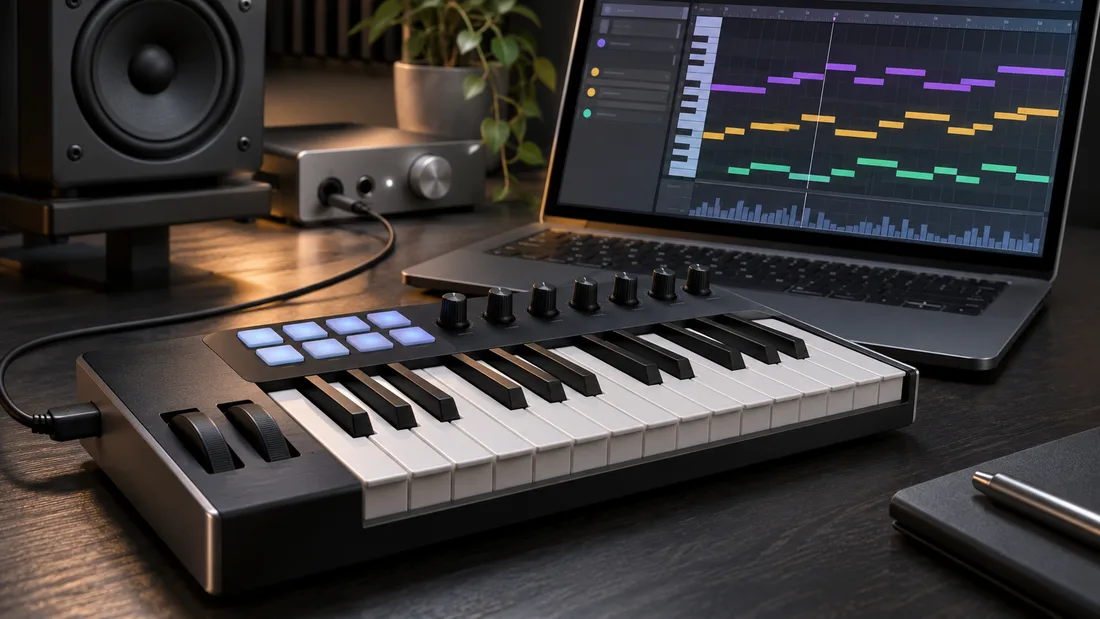
In a small software session, a MIDI controller may connect to the workstation through USB. The workstation receives its performance input, records selected events and forwards those events to an instrument. In a hardware arrangement, a keyboard could instead send note information to an external synthesizer through a traditional MIDI connection. The resulting audio must still reach the mixer or interface separately. A MIDI cable carries control information, not the sound of the synthesizer's output.
Traditional MIDI channels allow messages for different instruments to share a connection. A multitimbral instrument can respond differently to distinct channels, which is useful when a single device produces bass, strings and another part at the same time. If all devices respond to every channel, one note may trigger multiple unexpected sounds. Trace the path in stages: controller output, workstation input, track selection, track output, receiving instrument and finally audio routing. Checking each stage independently avoids confusion caused by inspecting unrelated audio meters.
Record a performance that feels responsive
A player should hear the response to a note soon enough to treat the instrument as part of the performance. MIDI communication itself is only one component of total delay. Audio buffers, software processing, the instrument's own attack, and the monitoring route can all contribute. The problem may be especially apparent when playing percussive parts. Inspect the complete path before deciding that the recorded notes are misplaced. Moving notes later will not make a delayed instrument pleasant to play while tracking.
The audio buffer affects how much processing the computer performs at once. Smaller buffers may reduce the delay but require the processor to complete its calculations within a shorter interval. During a demanding session, temporarily rendering existing instruments or disabling processors with substantial latency can create a more comfortable tracking environment. For a hardware instrument, direct monitoring of its output may simplify the setup. Make a short test recording and compare the physical performance with the captured sequence before starting the full arrangement.
Editing notes without flattening the performance
The piano roll provides a representation in which time runs horizontally and pitch vertically. The positions and lengths of notes become visible regardless of the patch that plays them. Moving a wrong note to the intended pitch is straightforward, as is shortening one that overlaps the next by mistake. However, editing every visible irregularity can erase details that make a sequence convincing. A piano chord may contain small differences in timing because a player did not strike all keys at exactly the same moment. The resulting chord can sound more expressive than one with perfectly simultaneous onsets.
Quantization aligns events toward a defined rhythmic grid. The grid needs to match the musical subdivision: eighth notes are not an appropriate target for every line written in sixteenth notes or triplets. Many programs offer a strength control that moves notes only part of the distance toward the nearest target. That is useful for a performance whose meter is clear but whose small timing variations are desirable. Avoid automatically moving both start and end positions unless duration changes are also necessary. The release of a note can matter as much as its onset.
Use more than pitch and timing
Control-change messages communicate changing values, often from pedals, wheels, sliders or other hardware. A sustain pedal, for instance, may keep a sampled piano's sound active after the keys are released. A modulation wheel might increase vibrato on a lead sound or alter a parameter selected by the instrument builder. Pitch bend has its own role and the receiving instrument's configured range influences how far a particular gesture moves a note. That range is important when sharing sequenced performances across different instruments.
Editing control data requires attention to the relationship between events. If a group of notes is copied without the relevant pedal activity, its phrasing may change. A new arrangement section might inherit a control value from an event earlier in the sequence. Insert deliberate initialization points where necessary so that playback begins in a sensible state from multiple positions on the timeline. For an expressive part, listen to controller motions alongside note attacks. A sequence can contain precisely placed notes yet sound static because its dynamics, articulation or expression do not change.
Tempo, synchronization and external equipment
A software workstation generally stores note positions in units related to musical time. When the tempo changes, those events can move relative to absolute seconds while retaining their place in the score. This relationship helps an electronic arrangement remain coherent as the overall pace evolves. Audio recordings, by contrast, may need independent time processing to follow the new tempo without changing pitch. Examine the timebase of a track before deciding how the arrangement should respond to a tempo revision.
Synchronization becomes more significant when separate sequencers, arpeggiators or drum machines participate. MIDI clock conveys a timing reference that compatible equipment can follow, allowing rhythmic processes to run at an agreed pace. It is not the transfer of audio or a guarantee that every device emits a sound at precisely the same instant. The latency of a synthesizer and its audio path still exists. Determine which device supplies the tempo reference and avoid accidentally creating a system in which two independent sources attempt to govern each other.
Preserve valuable instruments and arrangements
While MIDI can retain an editable performance, messages alone may not reproduce the intended sound on a different system. A sequence depends on a particular patch or library, perhaps with custom mapping and parameter values. Even two pianos responding to the same notes will differ in tone and in their response to velocity and duration. Save the instrument settings with the project, take note of relevant external patches, and preserve rendered audio versions when the exact sound is important.
An arrangement is easier to revise when its MIDI tracks have descriptive names and their responsibilities are plain. Avoid placing unrelated instruments on a single sequence solely because the workstation permits it; separate tracks provide clearer control during revisions. Keep the editable sequence for the player and the rendered version for a collaborator who needs to mix audio. The central advantage of MIDI is that a performance becomes portable, revisable information. Its value is realized when the working session maintains the connection between that information and the musical sound it was meant to create.