The first guitar chord recorded through an amplifier simulation can reveal a problem that was invisible while editing MIDI or listening to existing tracks. A musician presses, plucks or sings at one moment and hears the monitored result slightly later. Enough delay makes timing harder and can make an instrument feel disconnected from the body. Latency management was already a practical concern in the widely used compact computer recording systems of 2022. Faster computers and higher-speed connections improve the available choices, but the recording engineer still needs to distinguish the different paths a signal can take.
Follow the round trip
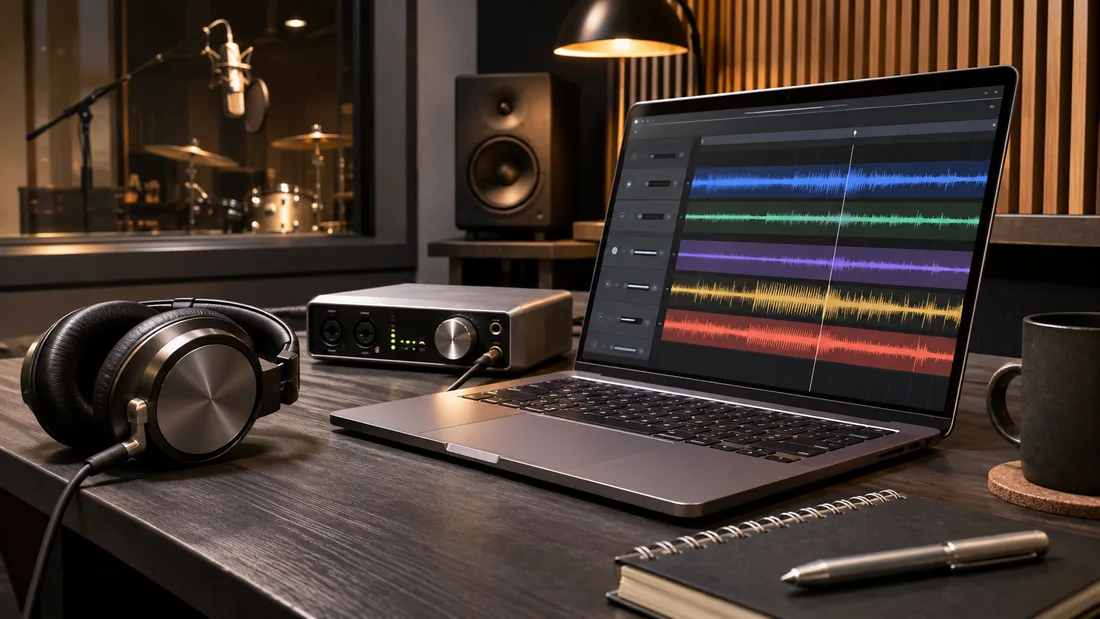
Consider a microphone connected to an interface, whose output is monitored through software. The signal passes through analog input circuitry and analog-to-digital conversion. The interface and its driver provide the resulting samples to the recording application. The application processes them according to routing and plug-in settings, then transfers output samples back to the interface. Digital-to-analog conversion and the headphone amplifier complete the path. Every stage takes some time, even if much of that time is short.
The recording musician experiences the delay between making a sound and hearing this returned signal. This is related to round-trip latency, which describes the time required to pass through the input and output portions of the system. The delay of a virtual instrument played with a MIDI controller has somewhat different contributors because no analog audio input conversion is required for the generated note. The controller, event handling, instrument and output path all matter.
Published latency figures must be interpreted with care. A manufacturer might report converter delay, a driver measurement, a particular buffer configuration or a full round trip. They are not necessarily comparable. The latency shown by a workstation is often based on information supplied by the driver and may not include every practical contribution. Evaluating the complete monitoring arrangement is more informative than focusing on one isolated number.
What the buffer does
A computer audio system works on small blocks of samples rather than inviting the operating system to respond independently to every changing voltage. The buffer gives the system a defined interval in which to process and deliver each block. Larger buffers provide more time to complete processing and can make playback or recording more stable under a demanding workload. Smaller ones reduce one source of delay but increase the frequency with which the system must meet those deadlines.
At 48 kHz, a buffer containing 128 samples represents about 2.67 milliseconds of audio duration. At 64 samples it represents about 1.33 milliseconds. These values describe individual sample blocks, not the whole round trip. Input and output buffering, driver implementation, conversion and additional processing contribute their own delays. The actual monitored result will consequently take longer than a calculation based on a single block would suggest.
A short buffer is valuable during tracking, but it leaves a processor less time to complete complex tasks. An overloaded system may produce clicks, dropouts or interrupted playback. High track counts, demanding instruments and background activity can all play a role. The computer's average overall utilization does not necessarily reveal whether one audio processing thread has missed its deadline. A busy session may need changes beyond closing an unrelated application.
Sample rate and processing demand
For the same nominal buffer size in samples, a higher sample rate shortens the duration represented by that buffer. This relationship sometimes leads engineers to consider a higher rate during low-latency recording. Processing more samples each second also increases the workload. Some processing algorithms behave differently when the sample rate changes, and conversion filters can add their own design-dependent delays. Operating at twice the sample rate does not promise half the total system latency.
Choose a session rate compatible with the production's intended workflow and available equipment. A stable system at a conventional rate can provide a better recording experience than a configuration that is theoretically quicker but regularly interrupts the performer. Altering the rate of a partly finished project can involve resampling existing recordings and confirming compatibility with external digital equipment, so it is rarely the first troubleshooting step.
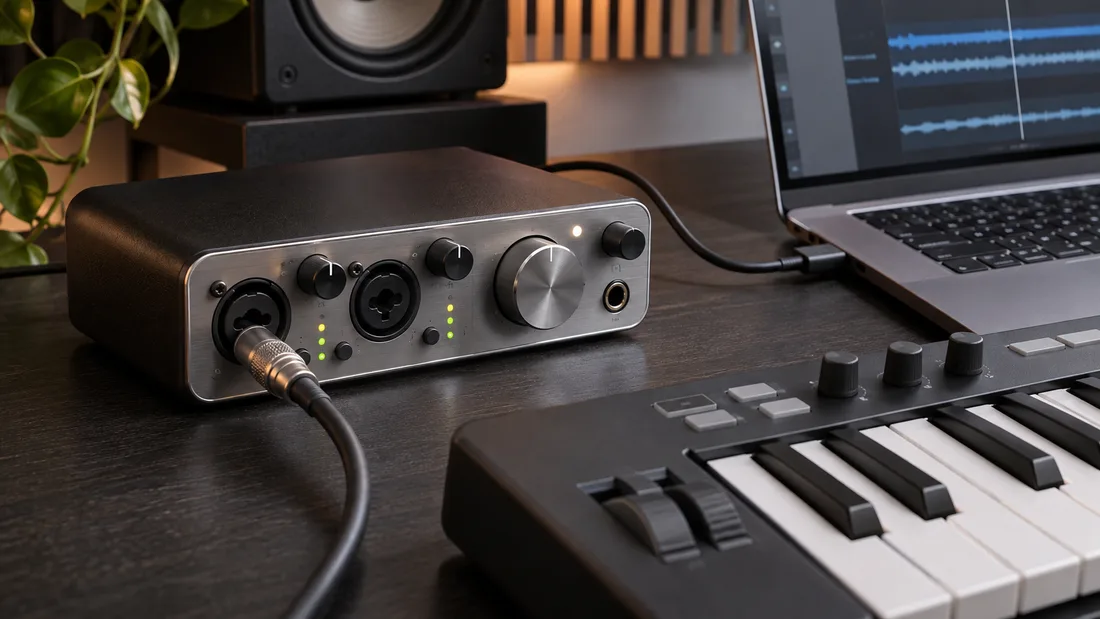
Direct monitoring avoids the software round trip
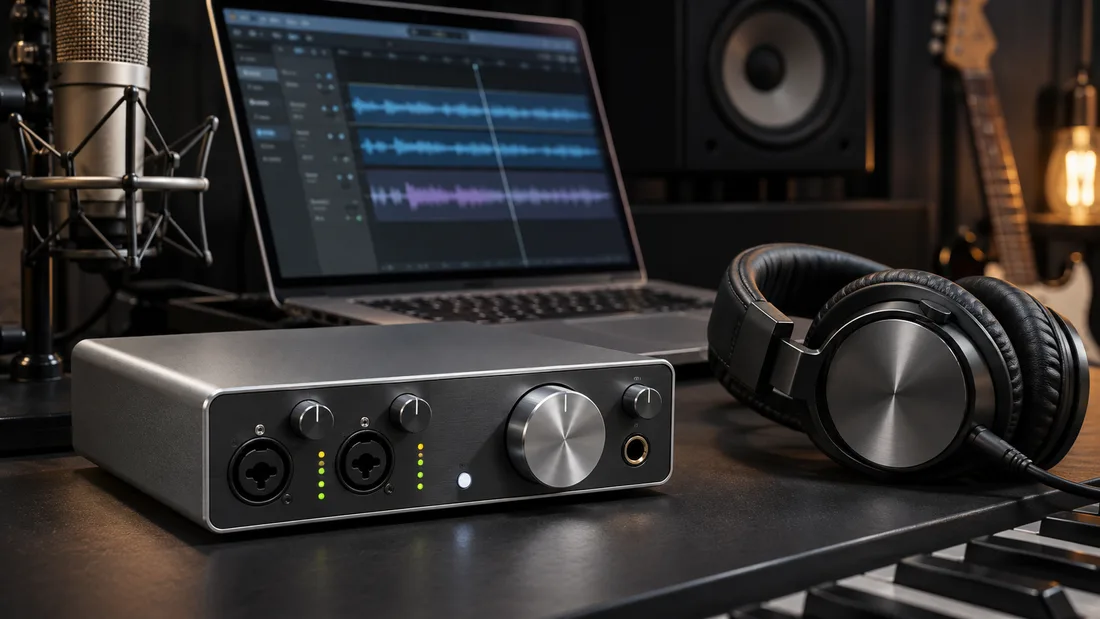
Many interfaces can create a monitor mix from their inputs and playback channels independently of the recording application. In an analog direct path, the microphone's amplified signal can be sent toward the monitor output without passing through the computer. An interface with an internal digital mixer achieves a similar practical objective through its own conversion and processing architecture. Such designs still incur some physical delay, but they can avoid the additional computer buffer and workstation processing involved in the full round trip.
Direct monitoring is particularly useful when recording a clean vocal or an acoustic instrument. The performer can hear the input through headphones alongside previously recorded accompaniment even when the workstation is using a relatively large buffer. Configure the balance so that neither the backing track nor the live input overwhelms the other. If there are multiple performers, an interface with independent cue mixes may be more useful than one that offers a single shared balance.
Disable software input monitoring on the corresponding track if direct monitoring serves that input. Hearing the two routes at once can create a doubled signal, with a coloration that changes according to the delay between them. The effect is especially conspicuous on voice, where the performer already hears some natural sound directly. A dual route can be deliberately used for a particular effect, but it should not appear by accident.
When the performer needs software processing
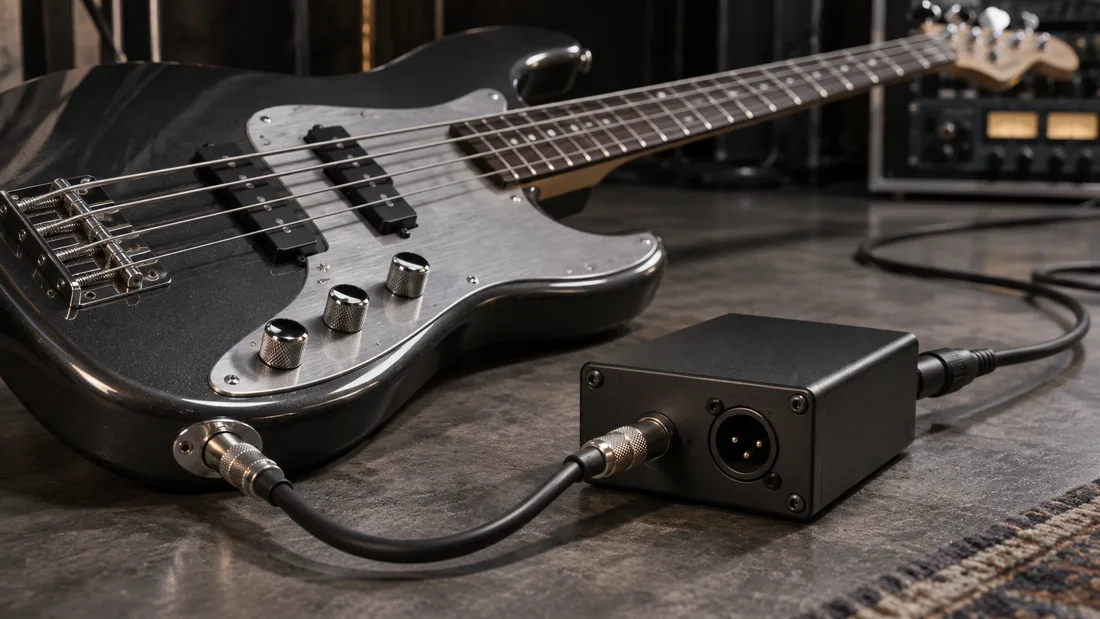
A guitarist playing through a virtual amplifier cannot hear that amplifier from an ordinary dry direct monitoring path. An electronic musician may need to hear a software instrument or effect while performing. Under these circumstances, reduce the software buffer to a stable setting and simplify the live processing route. Freeze or render tracks that are not being edited, and temporarily bypass unnecessary processing on groups and the main output.
Some plug-ins introduce additional latency because their algorithms need samples ahead of the current moment, operate in large blocks or perform oversampling and phase-sensitive filtering. Look-ahead limiters, certain linear-phase equalizers and some restoration processors are common examples. An application can compensate for processing latency during ordinary playback by delaying other tracks so they remain aligned. It cannot make a live input arrive before its required processing has finished. Low-latency recording modes commonly work by bypassing or restructuring some of these delays.
Check the entire cue path, including subgroup and master processing, rather than only inserts on the record-enabled track. A software instrument may respond promptly in an empty test project and noticeably later in the final arrangement. The difference often comes from the routes the completed mix has accumulated.
Connection speed is not the whole explanation
An interface needs sufficient bandwidth for its channel count and chosen sample rate, but connection bandwidth and practical latency are different characteristics. Drivers, firmware, hardware architecture and operating-system scheduling influence the minimum stable buffers. A device advertised with a newer connection standard does not automatically deliver a more responsive system for a simple two-channel session.
Use the manufacturer's supported drivers and connection arrangements. If the interface behaves erratically through a particular hub or cable arrangement, test it with a suitable direct connection. Disconnect unnecessary devices during diagnosis rather than assuming every peripheral is harmless. Keep the computer in a configuration that prevents disruptive power-saving behavior during critical recording work, according to the operating system's supported options.
Distinguish delayed monitoring from misplaced recordings
A delayed headphone or speaker signal can change a performer's timing. A separate problem is a recorded file placed incorrectly on the workstation timeline because its recording offset does not reflect the actual signal delay. Modern applications often use reported input and output timing to position recordings, but incorrect configurations or external routing can create discrepancies. Test a simple loopback using safe signal levels and appropriate connections if a technical alignment problem is suspected. Compare the recorded test signal with its original source rather than guessing from a musical performance.
In practice, maintain two dependable operating configurations. For tracking, establish responsive monitoring and limit unnecessary processing. For editing and mixing, use a buffer that allows the complete arrangement to play reliably. Record a brief test after changing driver, routing or latency settings, particularly when the session is shared with another engineer. The right configuration is the one that lets the musician perform comfortably and preserves the resulting recording at its intended time.