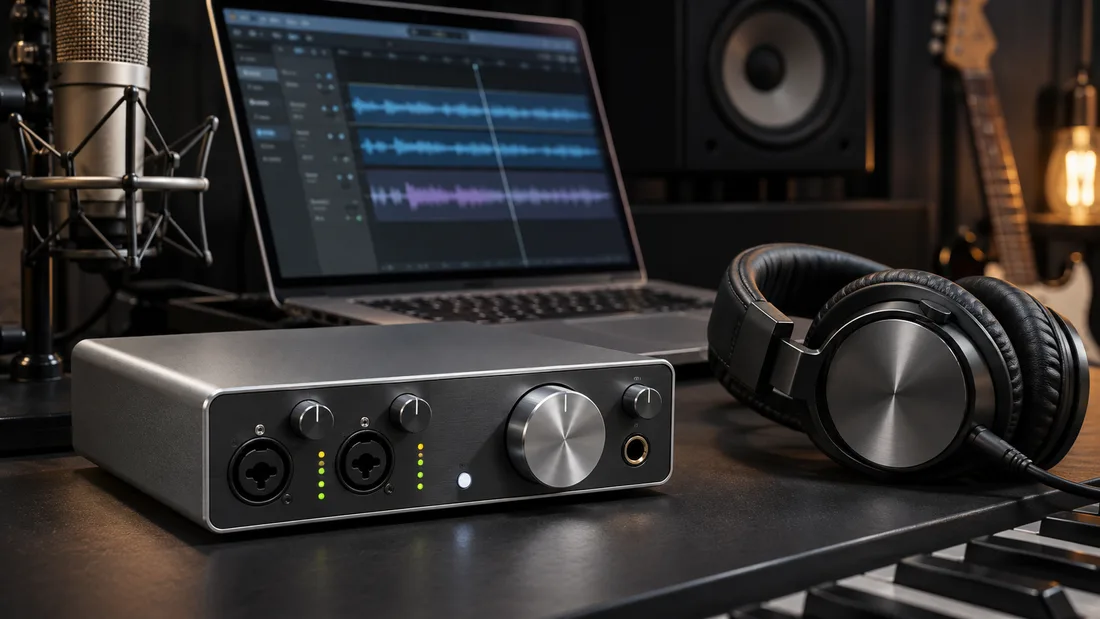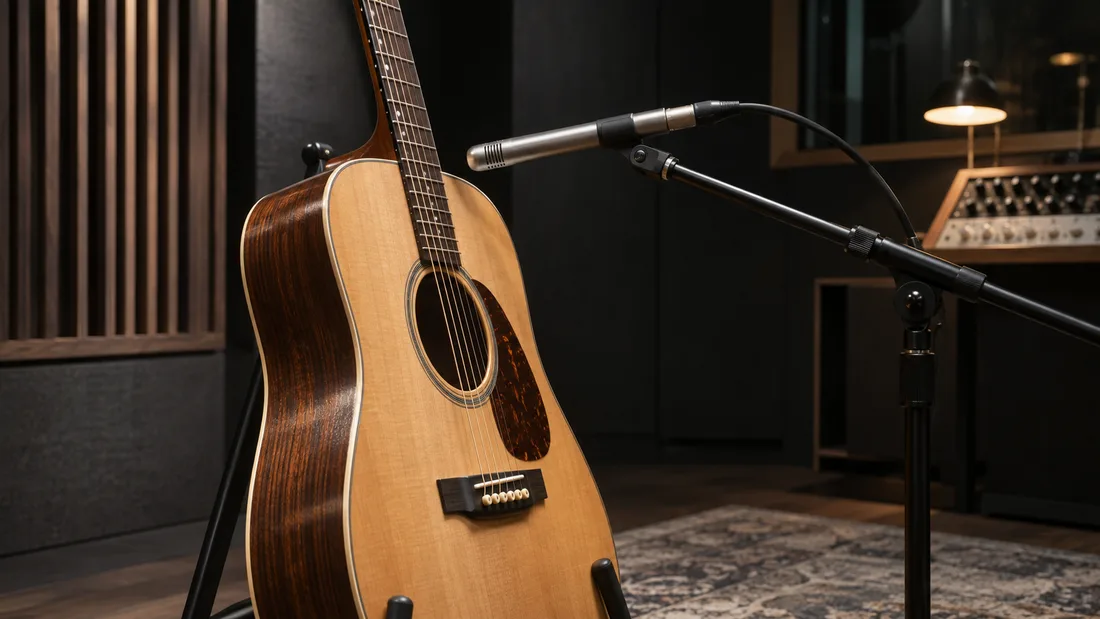
A clean direct recording is not necessarily intended to become the finished sound of an electric guitar or bass. It can be the raw material from which an amplifier sound is built, or one component of a composite recording. By 2024, software amplifier processing and compact interfaces were well established alongside traditional miked cabinets. Preserving an instrument's direct electrical output remained useful in either system, provided the signal was captured through a suitable input. The process involves more than connecting whatever socket happens to fit the guitar cable.
How the guitar interacts with its input
A passive magnetic pickup and its associated volume and tone controls form an electrical network whose behavior depends partly on the input impedance and cable connected to it. Connecting that instrument to an unsuitable low-impedance input can load the pickup and change its response, sometimes reducing high-frequency energy as well as overall level. The effect varies with instrument design, control positions and the receiving circuit. A passive guitar should ordinarily see a suitable high-impedance instrument input or a direct box intended for that source.
Active instruments contain electronics that buffer or amplify the pickup output, which often makes the connected load less critical. Their signal levels may also be higher than those of some passive pickups. Always identify the actual device rather than assuming that all instruments use the same signal standard. A pedalboard output, for example, may already be buffered by active circuitry, whereas a completely passive signal path behaves differently.
An interface may have a combined input socket supporting separate microphone, line and instrument modes. Use the appropriate mode and confirm that input gain can accommodate the instrument's actual output. The physical compatibility of a quarter-inch plug alone says little about the intended impedance or level. A very quiet or uncharacteristically dull recording can be a symptom of the wrong input configuration, not an inherent weakness of the guitar.
What a DI box contributes
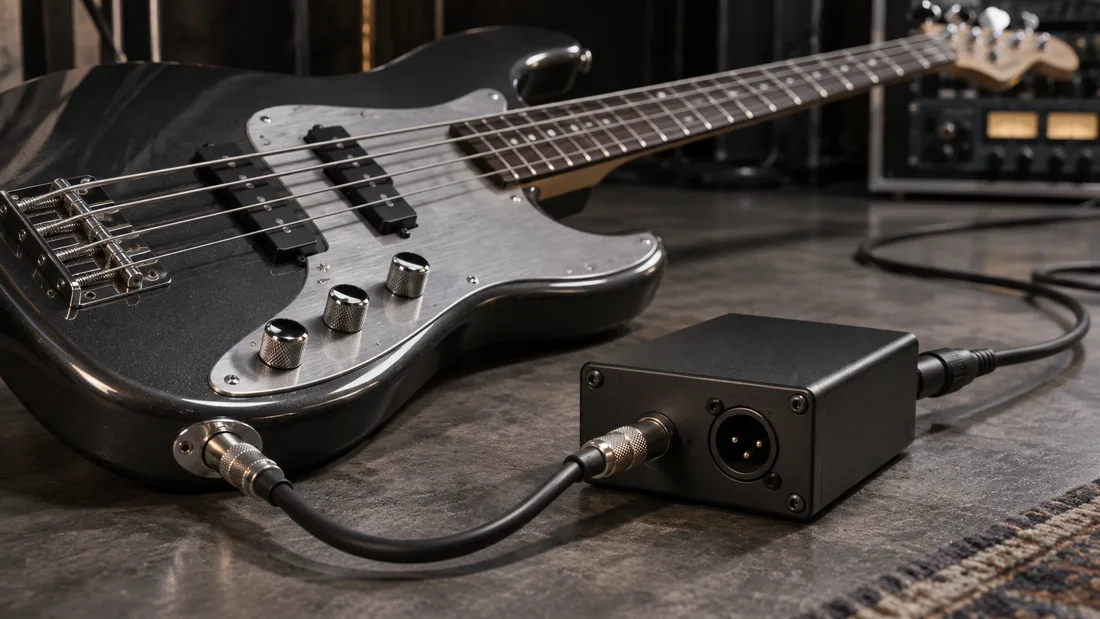
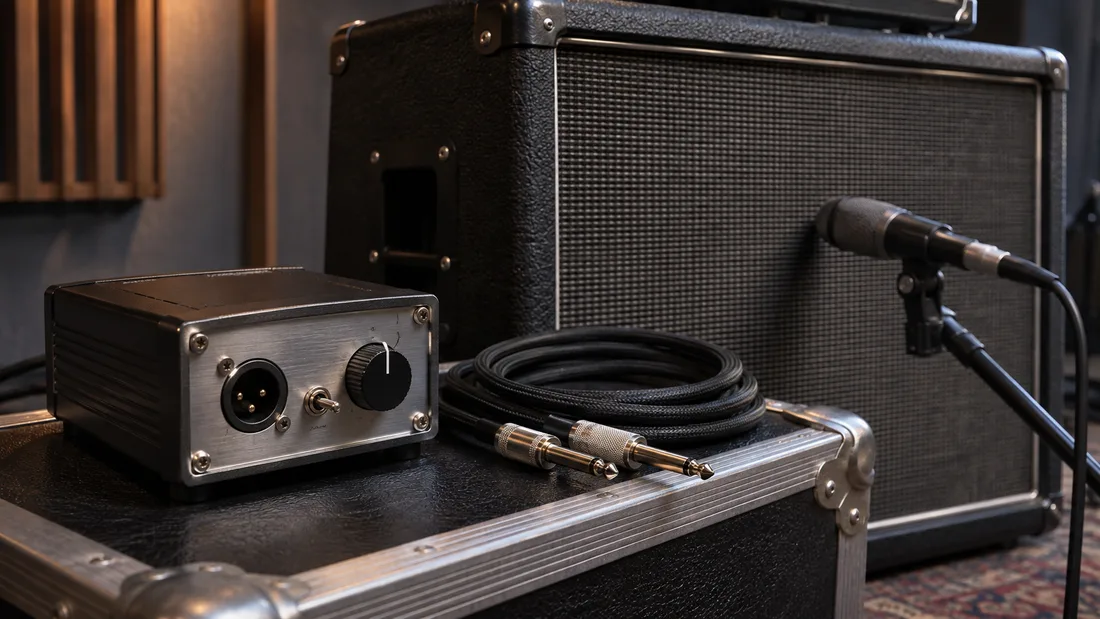
A direct injection box commonly accepts an unbalanced instrument signal and provides a balanced output designed for a microphone preamplifier. This allows a signal to travel through conventional studio microphone cabling and may help manage interference in longer cable runs. Some direct boxes provide additional features such as a link or through output to an amplifier, an input attenuation pad, or transformer isolation. Configurations differ, so examine the particular unit before connecting it.
A passive transformer DI needs no operating power and has an input impedance and signal-handling characteristics determined by its design and connected load. It can be a good match for instruments or devices with a sufficiently capable output. An active DI includes powered circuitry and can be designed with a very high input impedance, which is helpful for some passive magnetic and piezo pickups. Active devices require their intended power source, whether phantom power, a battery or another supply. Neither class is categorically superior in all recording applications.
Many passive and active direct boxes offer a ground-lift function for the audio connection. Its purpose is to address certain undesired electrical current paths associated with interconnected equipment. A ground lift on suitable audio equipment must not be confused with disconnecting the protective earth of a mains-powered amplifier. Never remove a safety ground or improvise a mains adapter to eliminate hum.
Set up a split recording
A common studio arrangement receives the direct signal at the DI and sends a separate feed to the player's amplifier. The balanced DI output goes to a preamplifier and interface channel; a microphone near the amplifier cabinet goes to another channel. The musician can play against the familiar amplifier response, while the recording retains both perspectives. Confirm whether the direct box's through connection is a simple parallel link or an active output, since the resulting load on the guitar can differ.
Place and test the amplifier at a level appropriate for the room, hearing protection and the equipment. The direct track is not a justification for neglecting the miked sound. A desirable amplifier tone can survive into the final mix unchanged, saving work and preserving the musical response that influenced the performance. The direct channel provides another option rather than a requirement to replace every cabinet recording.
Label the tracks so their relationship is unmistakable. Guitar DI take three belongs with the simultaneously captured amplifier take three. Preserve that linkage while comping and editing, including shared fades and region moves. A different performance can be layered deliberately for another musical purpose, but it does not maintain the same timing relationship as the original split pair.
Keep input gain below overload
Test a realistic loud passage with the instrument volume, pickup selection and playing style expected in the recording. A bass player's emphatic pluck, a boost pedal or a guitar with active electronics may generate peaks well above the initial soundcheck. Set the preamplifier or instrument input to provide substantial headroom. Some direct boxes and input circuits offer suitable attenuation when the arriving signal is too large.
A direct signal with conservative peaks in a 24-bit audio file can be entirely useful. Saturating the input accidentally limits the range of later amplifier settings because the supposedly raw source already contains nonlinear distortion. Conversely, an intentional overdrive pedal before the split may be essential to the player's sound. If the project requires a genuinely unprocessed version as well, arrange that capture before the pedal. Record the intended effects separately or document the exact position of the split.
Use the direct bass as part of the mix
Bass recording often benefits from a controlled low-frequency foundation alongside a more colored amplifier or processed track. The direct signal can provide pitch and transient information with less room contribution. The amplifier path may bring saturation, compression, speaker response and acoustic character. Adjust their balance according to the song rather than assigning a fixed frequency range to each without listening.
The miked cabinet recording arrives slightly later through its acoustic path, and the amplifier electronics and any processing may introduce additional response differences. Combining two recordings of the same performance can create frequency-dependent reinforcement and cancellation. Inspect the bass balance across several notes, and compare polarity where necessary. Software timing adjustment may help in some arrangements, but a visual alignment of individual peaks does not guarantee an appropriate blend throughout the instrument's range.
Reamping an existing recording
Reamping sends a recorded signal out of the studio system to an instrument amplifier or effects chain, capturing the newly processed result. The workstation's ordinary balanced line output generally operates at a different level and impedance from a guitar connected directly to an amplifier. A suitable reamping box or other purpose-designed interface helps establish the expected electrical conditions and can assist with noise management. Avoid assuming that a random cable adapts all of those relationships.
Route only the desired direct track to the designated hardware output. Ensure the microphone recording returns through a separate input and is not fed back into the same output unintentionally. Start with a low output level and adjust it with reference to the actual instrument level expected by the amplifier. An amplifier driven harder or more gently will often respond differently, regardless of whether its tone controls remain unchanged.
Record the new amplifier capture on a separate track. A reamped signal includes the timing relationships of the outgoing conversion, amplifier path, acoustic propagation and returning conversion. Compare it against the direct recording before combining it with another track. Some workstation external-insert functions can account for part of the delay, but a separately recorded microphone track still deserves a listening check.
Give software processing a comparable source
Virtual amplifier processors can respond differently depending on the level of the incoming direct recording. Follow the relevant processor's recommended calibration or input range and make comparisons with output levels matched. A preset derived from a particularly strong guitar signal may distort unexpectedly when used with another instrument. Adjust the processor's input or provide suitable gain rather than treating its preset as an exact reproduction of somebody else's amplifier setup.
Archive the clean direct performance even after rendering a satisfactory processed guitar sound. Include any important original effect or amplifier recordings and a note explaining the intended tone. Such a delivery gives a mix engineer a useful reference and a genuine alternative, without encouraging unnecessary replacement of the musician's chosen sound. The value of the direct track is its integrity and correspondence with the performance, not the number of new amplifier possibilities it creates.