Remote podcasting became an ordinary production method during the early 2020s, but its technical challenge remained familiar to anyone who had previously recorded interviews over the telephone. The sound that makes a call convenient is often not the sound one would choose for a finished episode. Live communications systems are designed to sustain an intelligible conversation despite changing network conditions. They may reduce the audible frequency range, suppress surrounding sound, adjust input gain and discard information that a listener would otherwise hear.
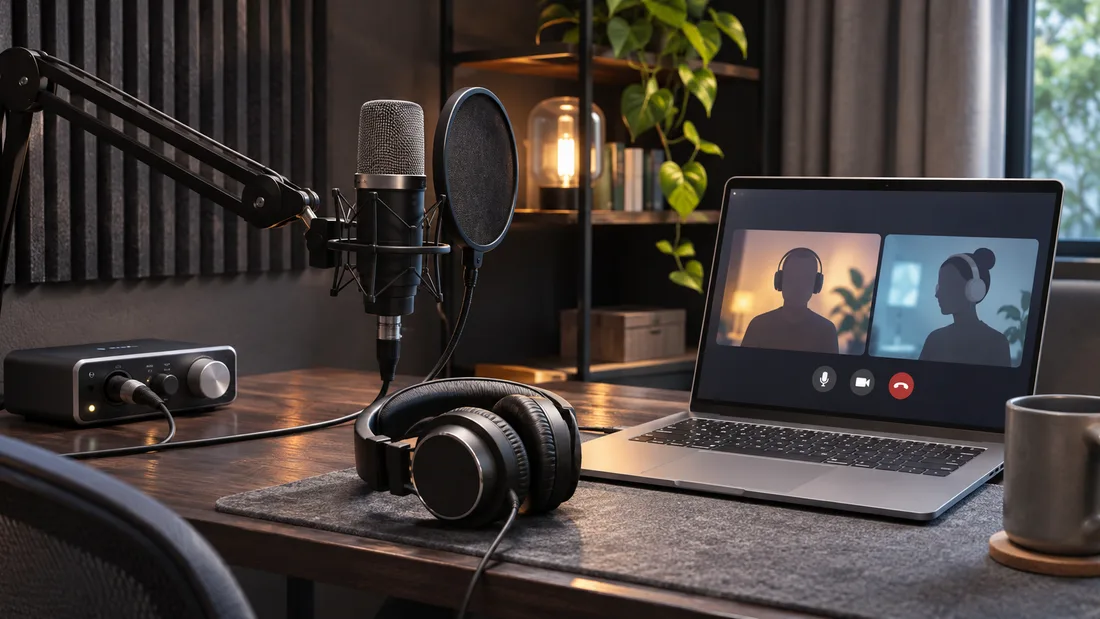
It helps to think of a remote interview as two simultaneous activities: maintaining the conversation and acquiring two good recordings. The first can work adequately while the second is failing. Separating these tasks reduces the chances of arriving at the editing stage with only a compromised call recording.
Local files versus the call itself
In a local-recording arrangement, each participant's computer or recorder captures their own microphone signal without sending it over the communications connection first. The files can be transferred after the conversation, then aligned and edited together. This approach is often known as a double-ender. It has long been used with independent recorders and later became more convenient with browser-based services capable of saving local tracks during an interview.
The advantage is not that the conversation becomes immune to a poor connection. A disconnect can still make a guest miss a question or interrupt the flow. The advantage is that a short period of network-related distortion in the received sound does not necessarily damage the independent local file. Wherever possible, retain the call recording as a separate reference and an emergency source. If the guest's local device stops recording at some point, the call may contain a usable account of that section.
Where an online service offers separate tracks, verify how those tracks are obtained. A separate file downloaded from the host is not proof that the guest's signal was captured locally. It could instead be an isolated recording of the compressed incoming network stream. Confirm that the guest's original track will be uploaded or otherwise accessible before relying on a particular remote workflow. Also determine whether recording continues immediately when the connection drops and what an interrupted upload means for that service.
Reduce the guest's setup to a few choices
Remote contributors arrive with widely different equipment and experience. A guest who owns a USB microphone and headphones may have everything required for satisfactory speech. A person with only a laptop microphone needs more assistance identifying a quiet room and positioning themselves near the machine. The amount of technical instruction should reflect the actual situation. Sending a complete studio connectivity diagram to a first-time guest rarely improves an interview.
Ask the guest to describe their available microphone or send a picture of the setup. Find out which computer or mobile device will run the interview and which application will make the local recording. Use a short meeting before the scheduled session for unusual equipment combinations. Check that the desired microphone is selected in the recording tool as well as in the call application. Two applications can select different input devices, leaving one perfectly audible while recording the wrong source.
Headphones are especially useful. Without them, the remote host's loudspeaker sound can enter the guest's microphone. Echo cancellation in the call may conceal this problem from the host, yet the independent local file may contain the loudspeaker's original output. Ordinary wired headphones are often the least complicated option. A Bluetooth headset may expose different input and output modes to its computer according to the way it is used, sometimes with reduced audio quality. Test the actual arrangement rather than assuming every headset behaves alike.
Check the recording format and operating level
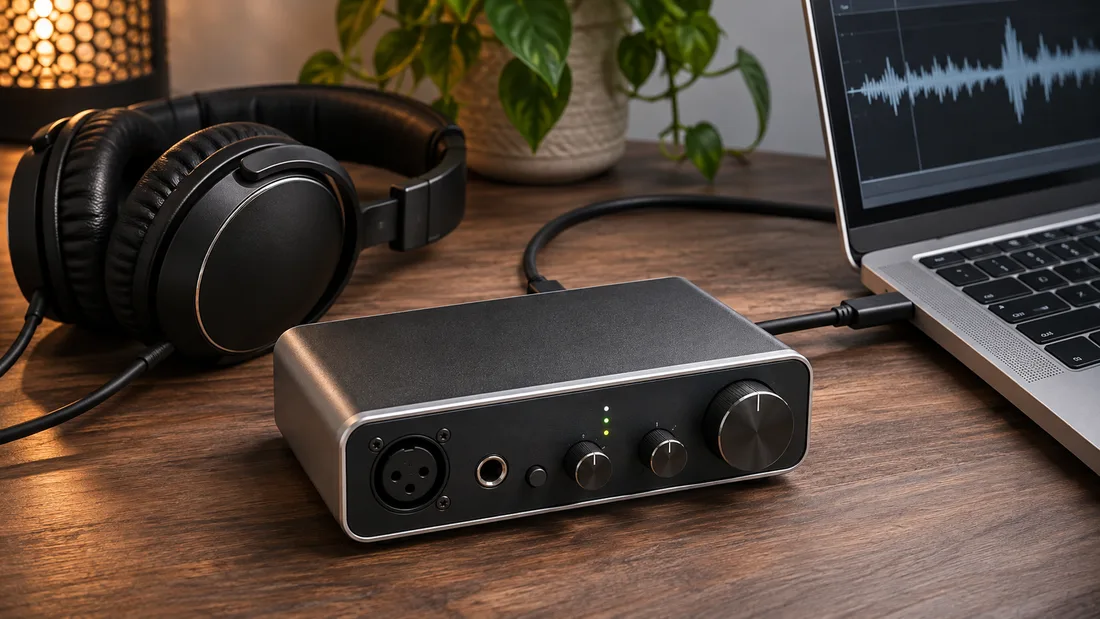
Choose a common sample rate for local recordings wherever the equipment permits it. Forty-eight kilohertz is a practical choice for many audio and video workflows, and 24-bit linear PCM gives generous level-setting freedom when the interface supports it. A system that records in a different format can still yield useful audio. What matters is understanding the delivered files and avoiding unnecessary format conversions during post-production. The call application's settings may be unrelated to those of the local recording software.
Ask the guest to use their ordinary speaking voice during the check, then a louder response. Observe the recorded level, not merely the volume heard at the other end of the connection. Some communication applications adjust levels automatically. That comfortable received sound may disguise a local signal that is already clipped at the hardware input or that has been recorded unusually quietly. Leave headroom for peaks and listen to an actual saved sample if the platform allows it.
A quiet guest room and close, comfortable microphone position make far more difference than many automatic sound-enhancement settings. Encourage the guest to close unnecessary applications, silence notifications where appropriate and move equipment with audible fans farther from the microphone if practical. Find a stable surface for the mic. These details are much easier to address before the formal interview starts.
Synchronize recordings using reference sound
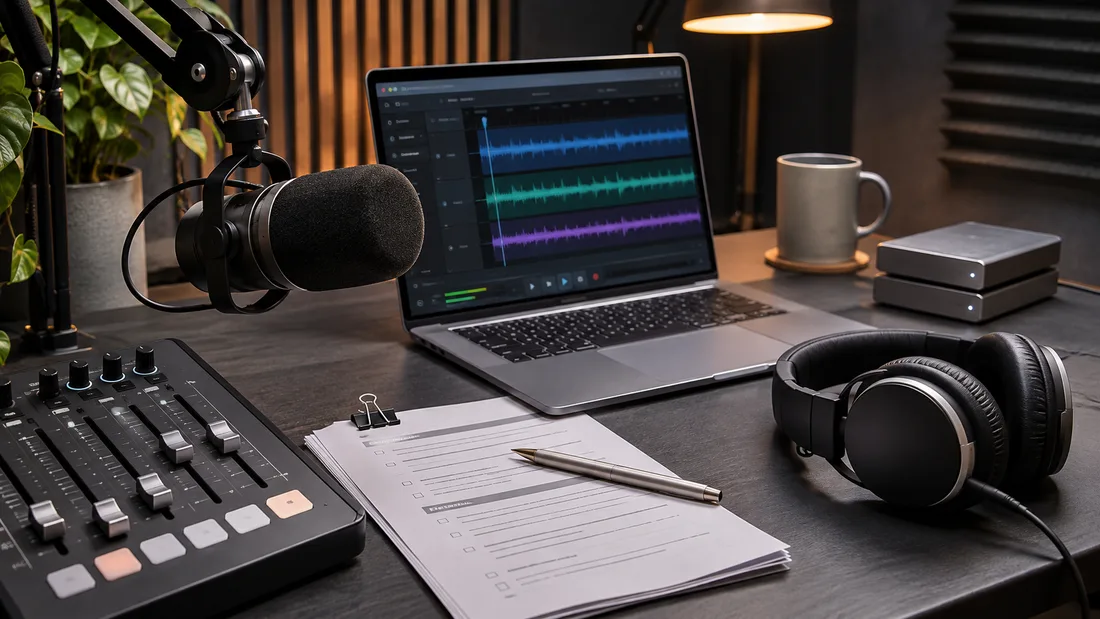
With separate devices, recording start times are unlikely to match by chance. An editor can often establish a starting alignment using a visible transient or a recognizable phrase captured on both the reference call and the corresponding local track. Have each participant speak a short identifier in turn at the beginning of the session. A sharp clap can provide a recognizable feature on a waveform where the call system transmits it clearly, but some processing may suppress the transient. Spoken identification provides an alternative.
Align the host's local track to the host's voice on the call reference, then align the guest's local track to the guest's voice. Listen to an exchange in context. A communications connection typically introduces some delay, so a waveform match alone does not guarantee the same conversational rhythm the participants experienced. If necessary, adjust the relative positioning to avoid unusual overlaps while preserving a natural exchange. Do not align to an unrelated sound heard from a loudspeaker if it has passed through additional delayed equipment.
Independent clocks are another issue. Two recorders nominally operating at the same sample rate can accumulate a timing difference during a long session. Check alignment near both the beginning and end, and at intermediate points when the material is long. A gradual discrepancy may call for a careful duration adjustment to one track without changing pitch. An abrupt change is more likely to indicate a discontinuity or missing segment; it needs a different edit. Avoid stretching an entire session in response to one momentary network interruption.
Plan for interruption and file delivery
Discuss what will happen when someone loses the connection. Where an independent recorder is running, it may be sensible to leave it recording while the participants reconnect. If a new local recording must begin, speak a new identifier and resume from a clear point in the conversation. A producer can document such events as they happen. This makes the later task of finding and aligning segments far easier.
Do not treat an interview as finished until the local files are available or their transfer has been confirmed. Some browser-based systems continue uploading after the call ends, and the guest may close the browser before the transfer is complete. For independent recorders, arrange a file delivery method suited to the expected recording size. An uncompressed hour-long recording can be much larger than the final podcast episode. Avoid sending it through a messaging service that might automatically transcode the audio.
Before dismissing the backup, verify that the delivered files open and correspond to the full discussion. Compare their duration and listen to sections near the middle and end. Save copies before processing, preserving the original names or assigning useful consistent ones. A remote production often has scarce opportunities for a retake, so a few minutes spent confirming the source material is worthwhile.
Once the sources are secure, edit the two voices much as you would a studio interview. Different rooms and microphones may require separate equalization and dynamics treatment, but do not chase an identical timbre at the expense of intelligibility. Clean, genuinely separate recordings usually give the editor enough control to create a coherent result despite the distance between participants.